Logging tricks
Your desk
Updated 11 October 2026 · Guide v2026.10.11
For sports whose tricks are built from pieces: rotations, axes, grabs, kiteloops… Instead of one button per trick, you compose the trick and log it.
This deck is in beta: it is already used in practice and at events, and may change until a judge of the sport reviews it.
Desk type: Composer desk
Compose the trick from pieces (rotation, axis, grab…) and log it.
- Compose the trick.
- Tap Log or a mark.
More details
Composer decks (kitesurf big air and strapless, snowboard slopestyle) are in beta: they are already used in practice and at events.
Repeat from heat repeats a trick already logged in the heat with one tap.
The Rider stance decides whether a spin is frontside or backside.
Buttons
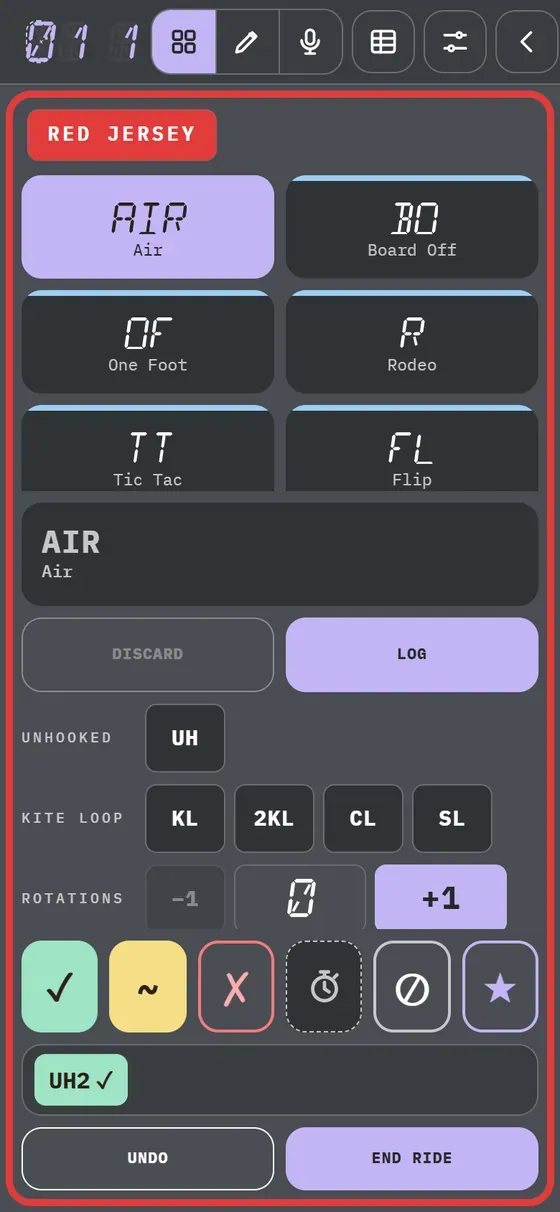
Base trick and pieces, with taps.
- Tap the base trick.
- Add rotation, axis and grab.
- For grabs, use the Silhouette.
Gestures
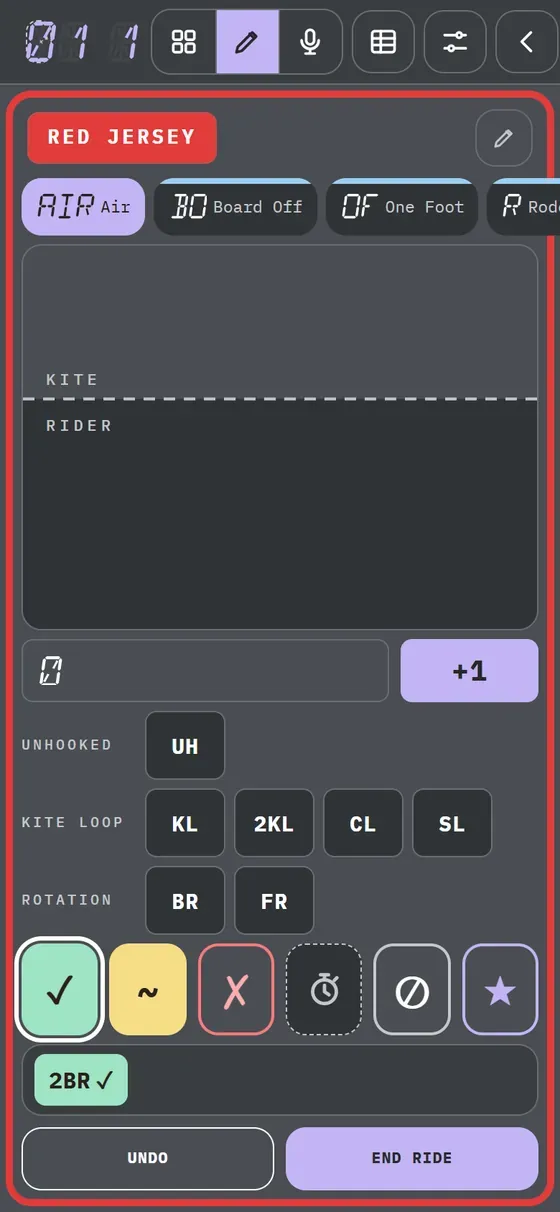
Draw the rotation: the app counts the turns.
- Tap Draw.
- One loop = 360; half a loop = 180.
- Tilted is a cork; vertical, a flip.
Tip In kitesurfing, the top is the kite (kiteloops) and the bottom the rider (rotations). You can use two fingers.
Voice
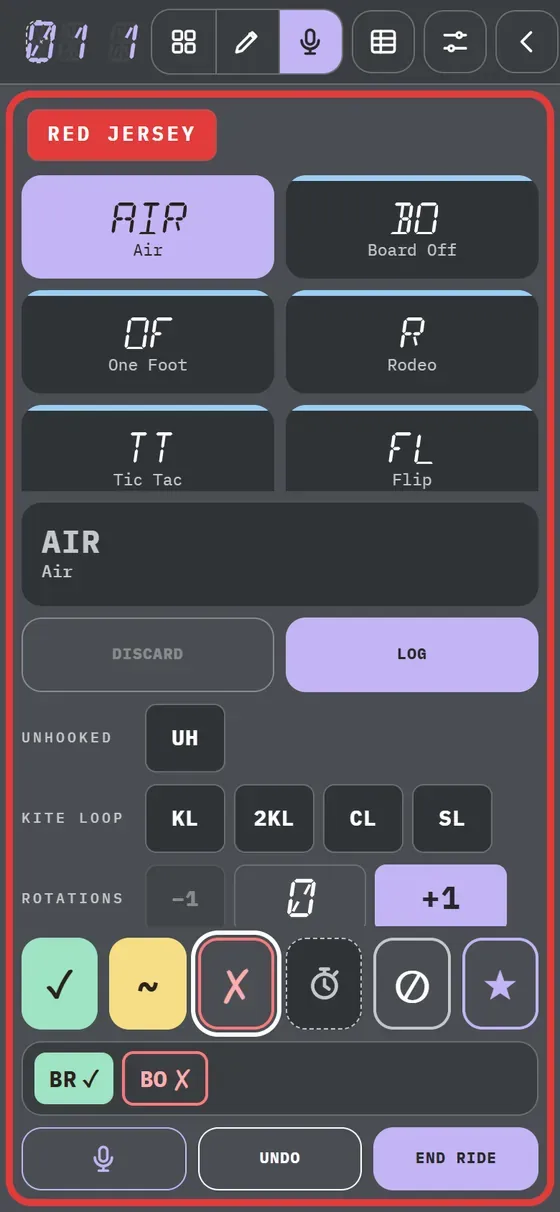
Say the whole trick.
- Tap Voice in the header.
- Hold Voice and say “air back roll”.
- Release: it composes itself.
Try the composer
Tap a trick and its pieces: the name builds up just as in the app.
Kitesurf · Strapless big air
Name order:Unhooked·Kite loop·Rotations·Rotation·Trick