In progress: Images or information are still missing from this page.
On your own
Customise the desk
Updated 11 October 2026 · Guide v2026.10.11
This deck is in beta: it is already used in practice and at events, and may change until a judge of the sport reviews it.
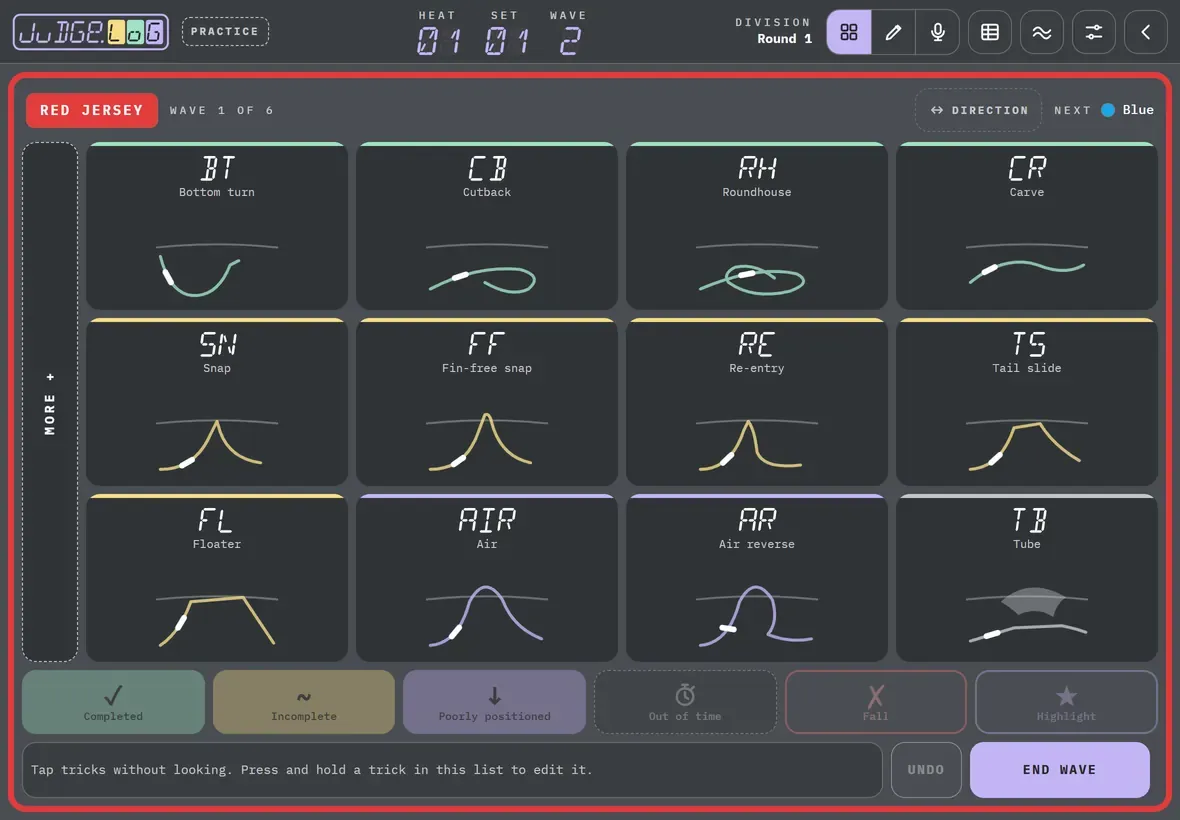
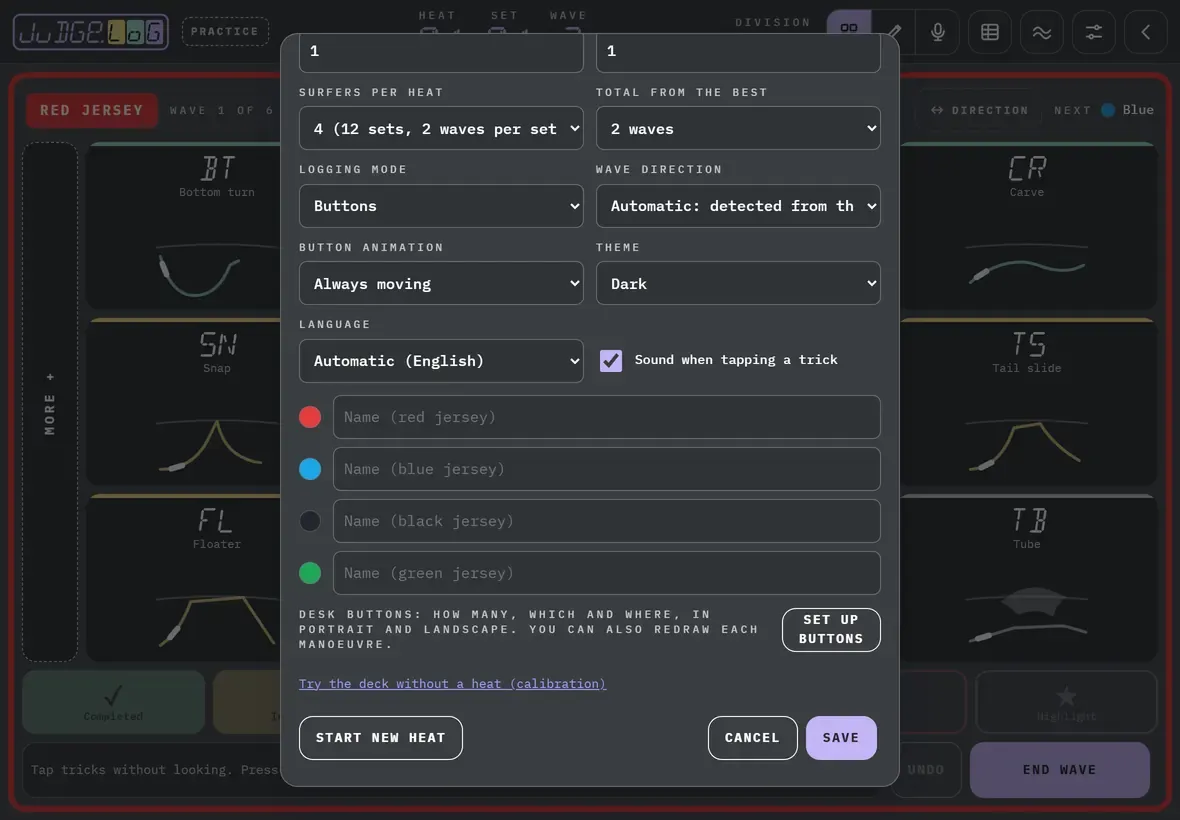
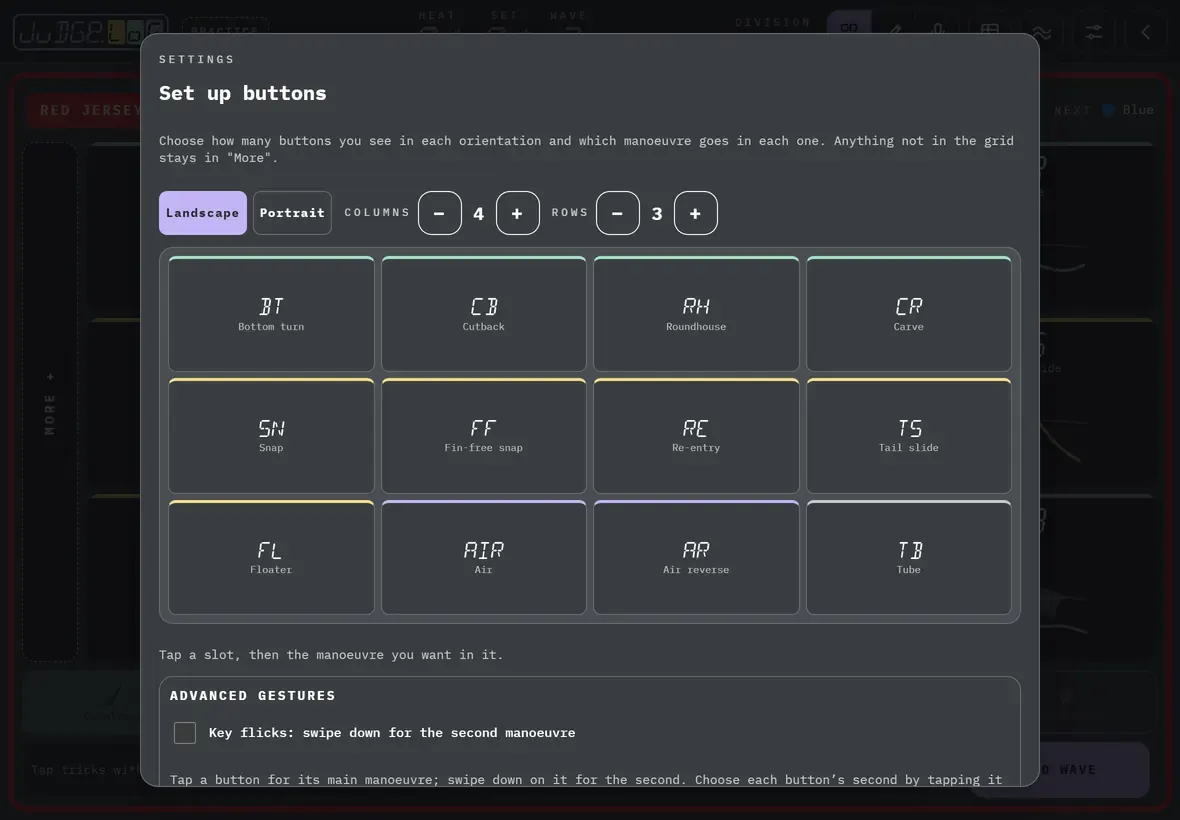
Choose which tricks you see, how many buttons and where. Changes only affect your desk.
Screens recorded with the surf deck: in Kitesurf · Strapless big air the desk looks different, but the steps are the same.
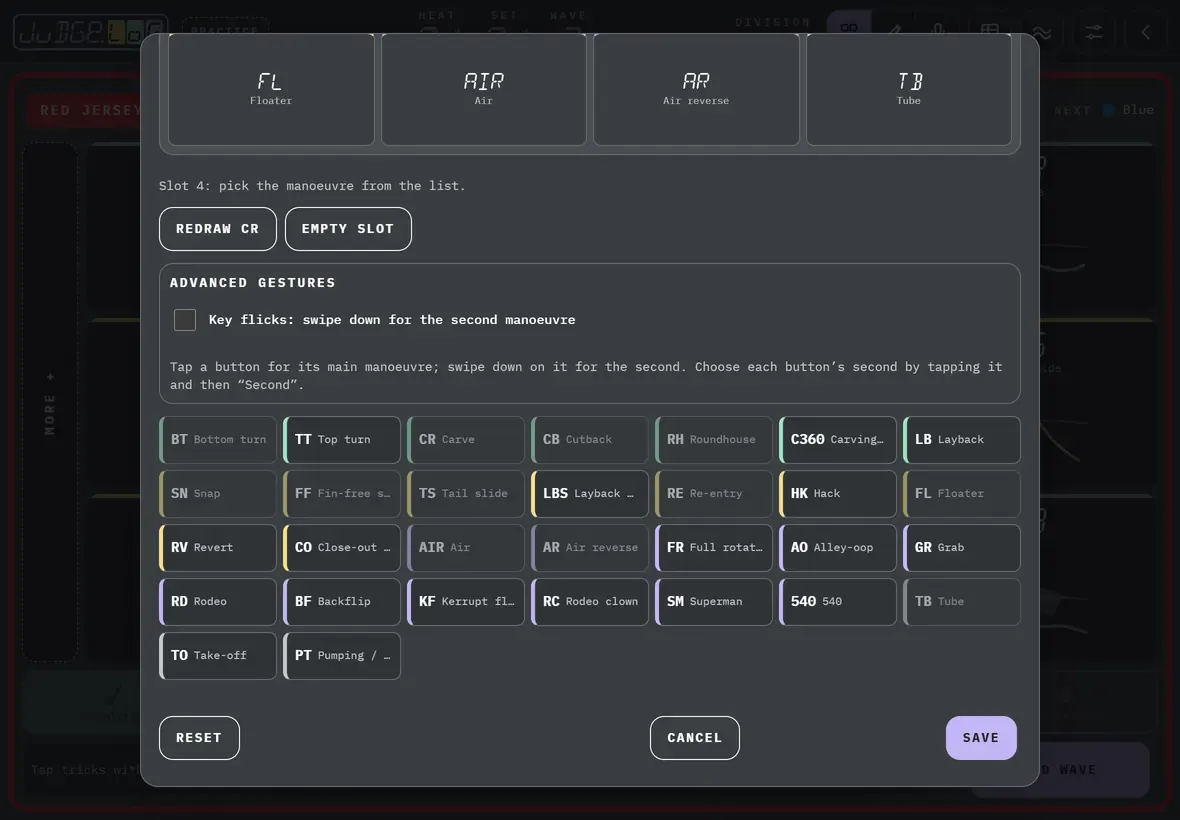
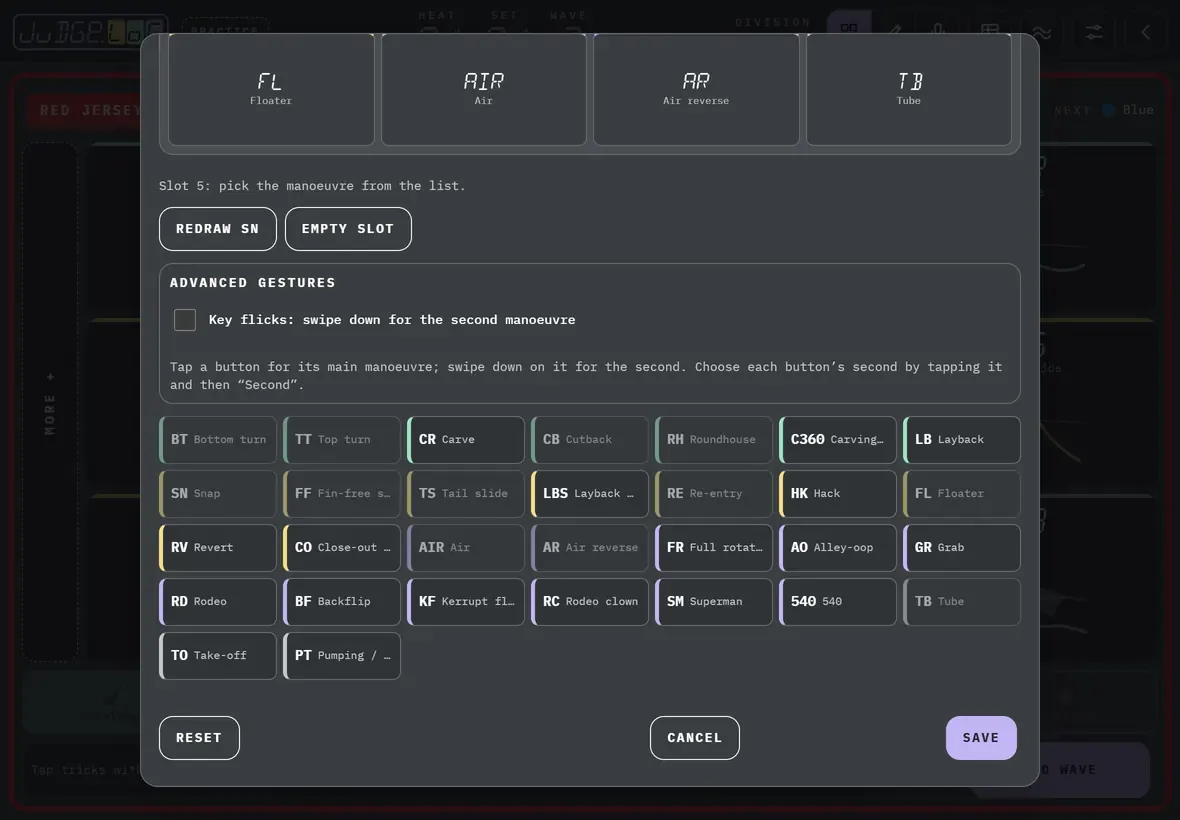
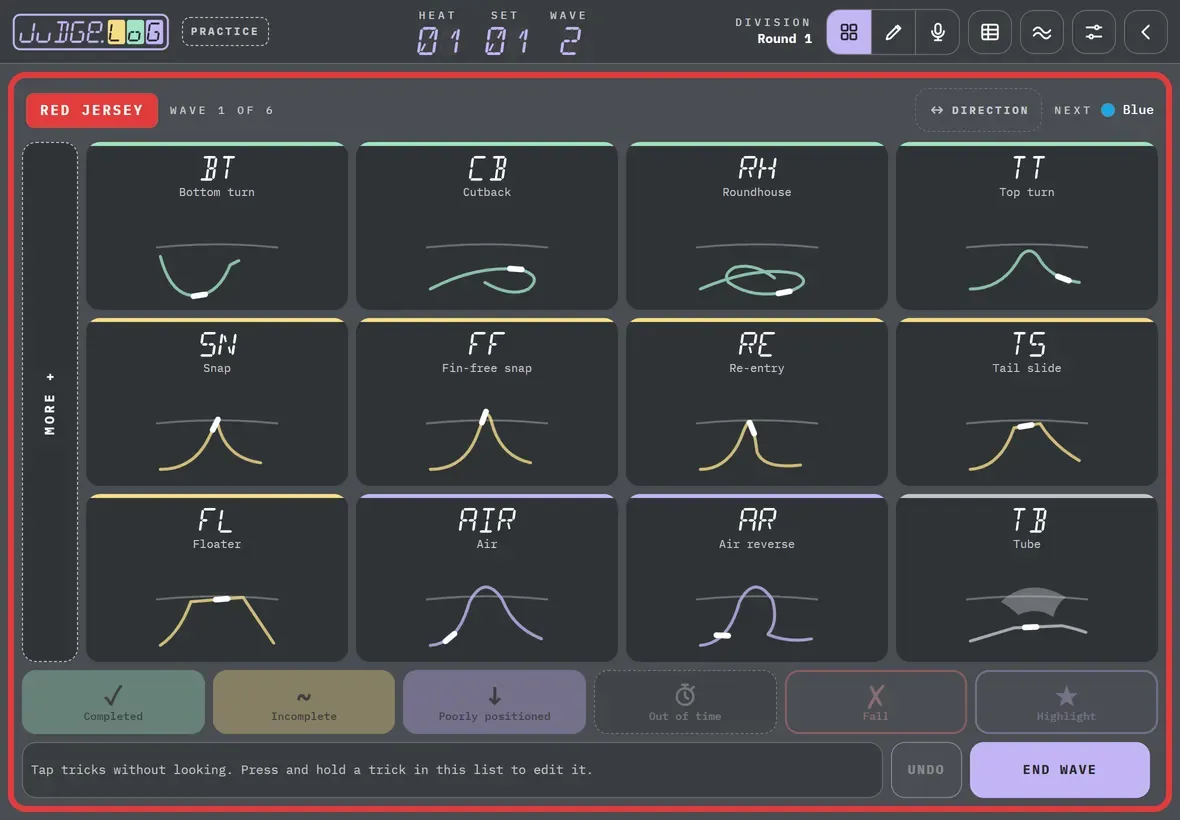
More details
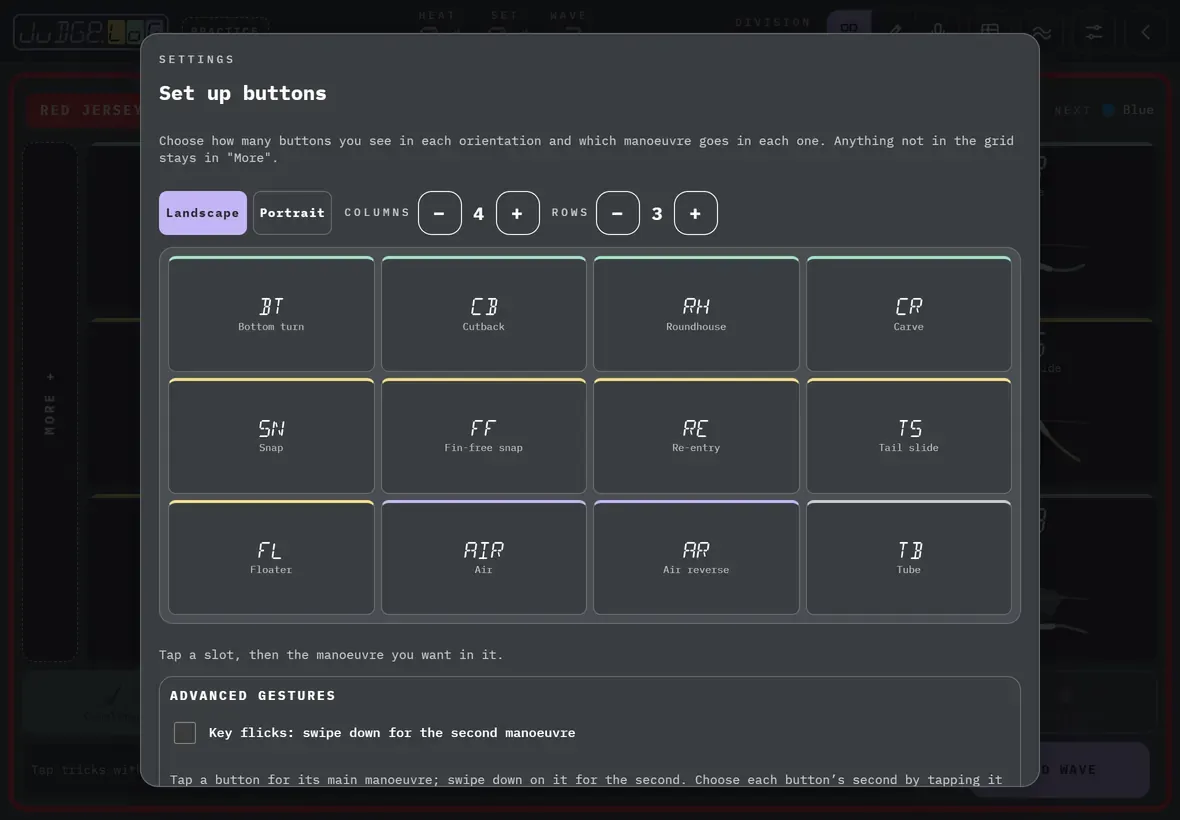
Landscape and portrait each have their own grid: the desk uses the one that matches how the tablet or phone is held.
Anything not in the grid stays in More +, to the left of the desk.
With a slot selected, you can redraw its trick: gesture mode will recognise the way you draw it.
In the composer desk, you order the base tricks: tap one, then the slot you want to move it to.
Theme and language are in Settings. The light theme is easier to read in direct sunlight.