Advanced gestures
Key flicks
Updated 11 October 2026 · Guide v2026.10.11
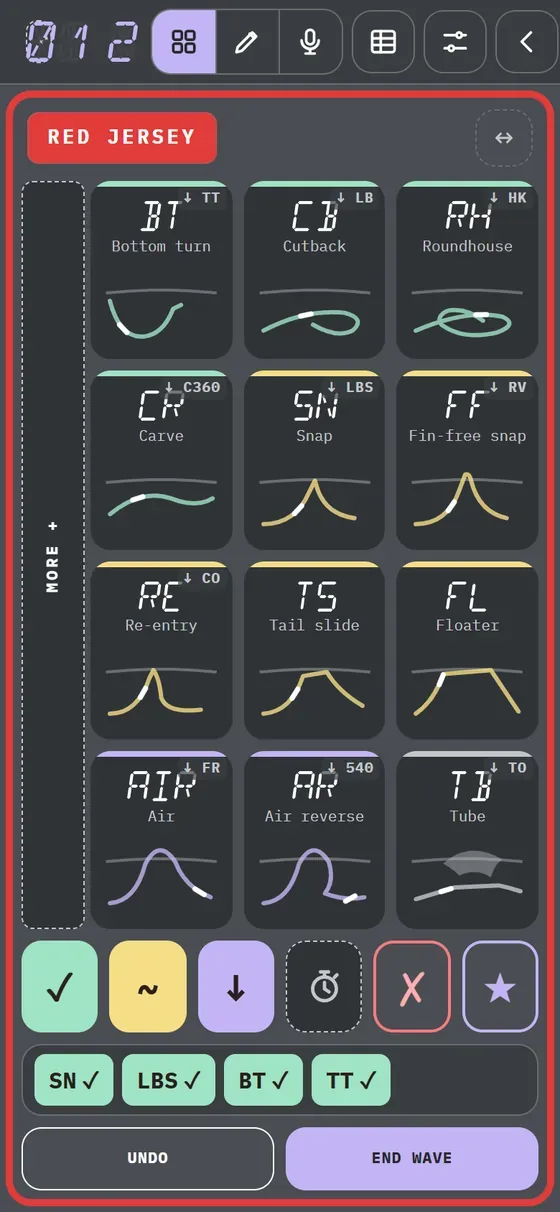
Each button has a second trick written small in one corner. A tap logs the main trick; swiping your finger down on the button logs the second. The name comes from the iPad keyboard.
What it is for
To have twice as many tricks at hand without opening More +: a grid of 12 buttons gives 24.
How to turn it on
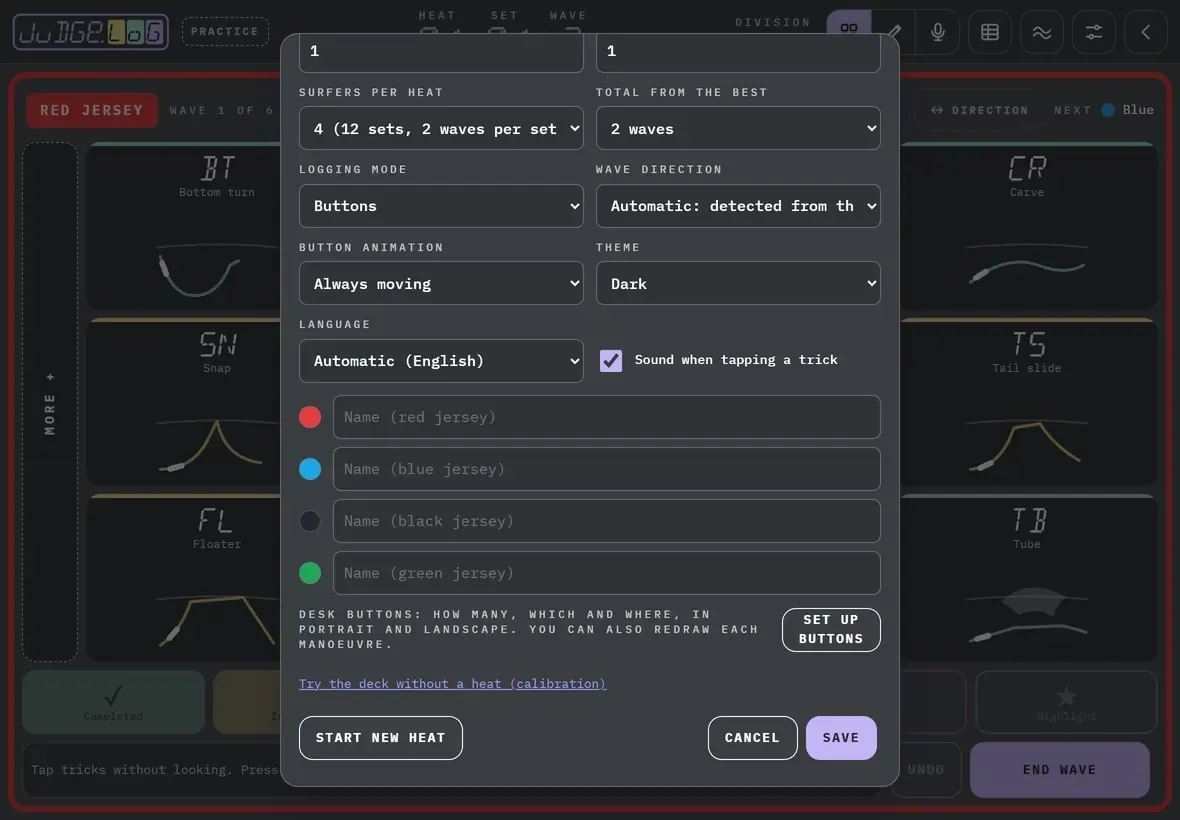
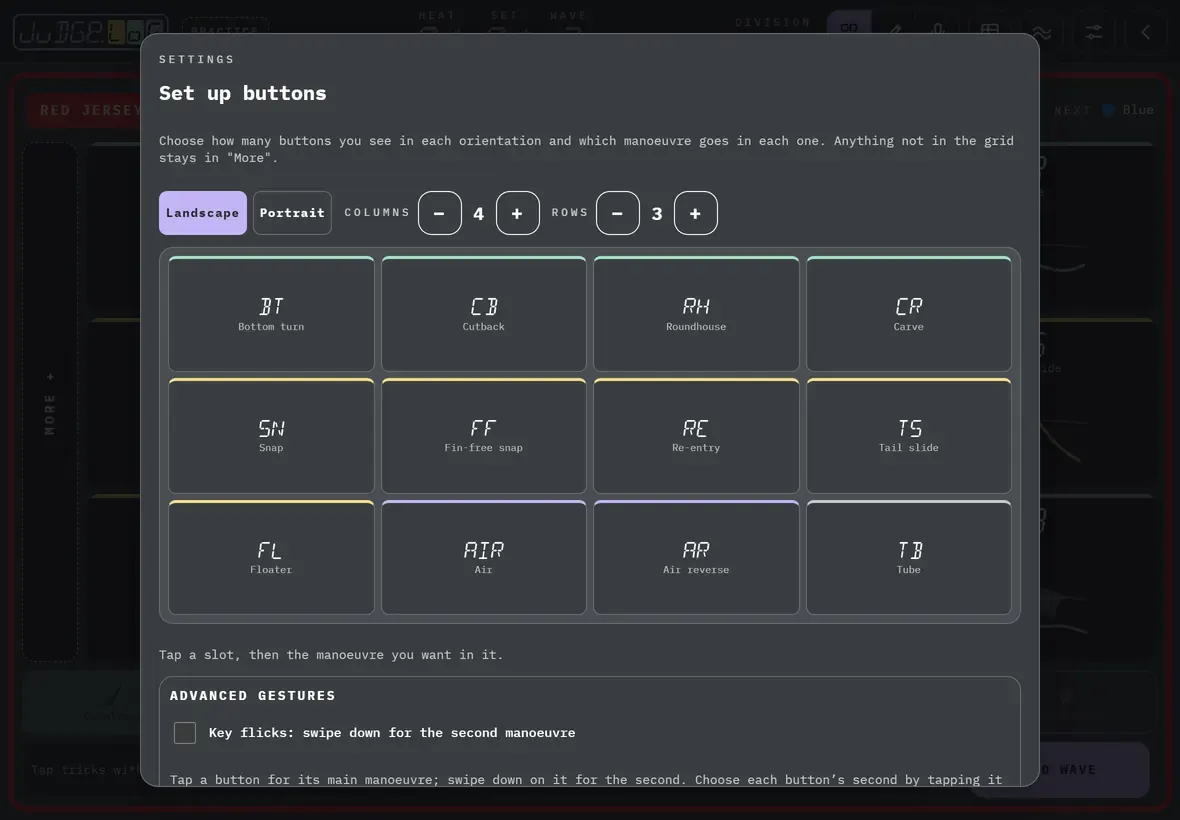
In Settings → Set up buttons, under Advanced gestures, turn on “Key flicks”. Each button already comes with the second trick the deck suggests; to change it, tap the slot, Second and the trick. No second removes it and Use the deck pairs goes back to the deck’s pairs.
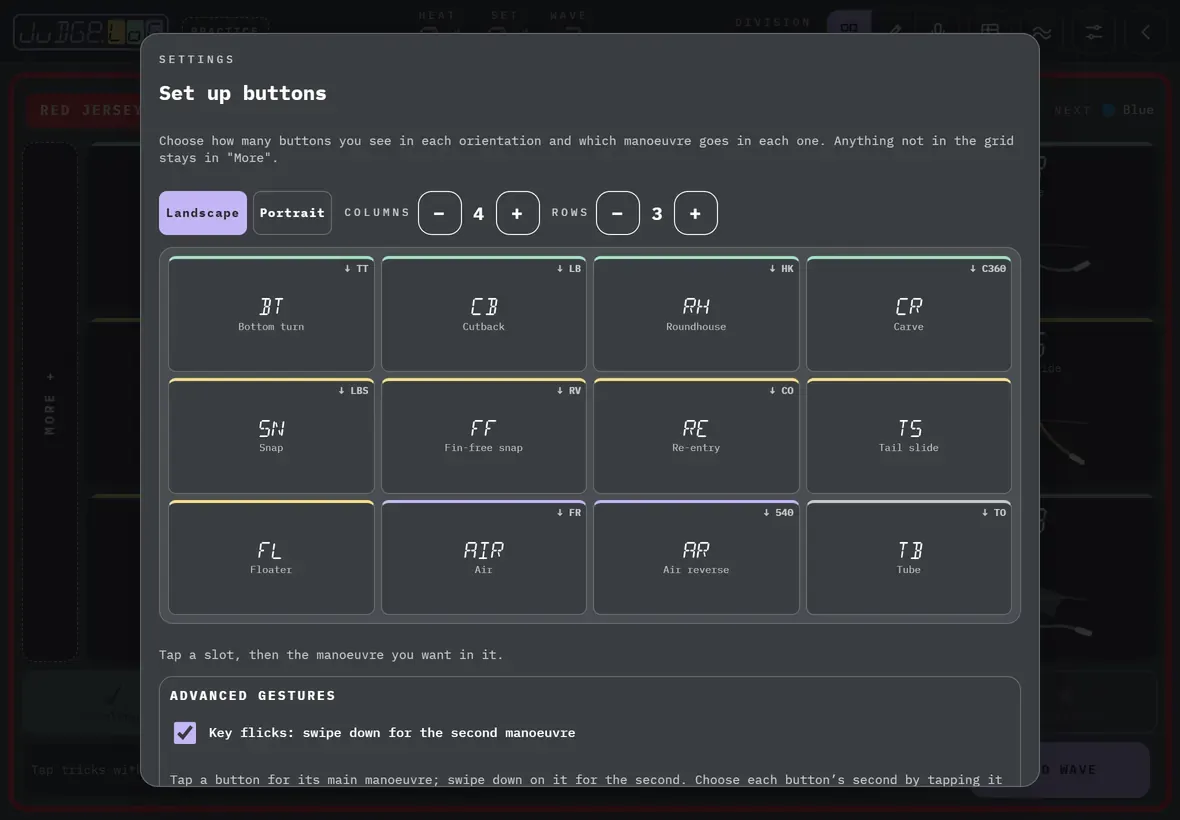
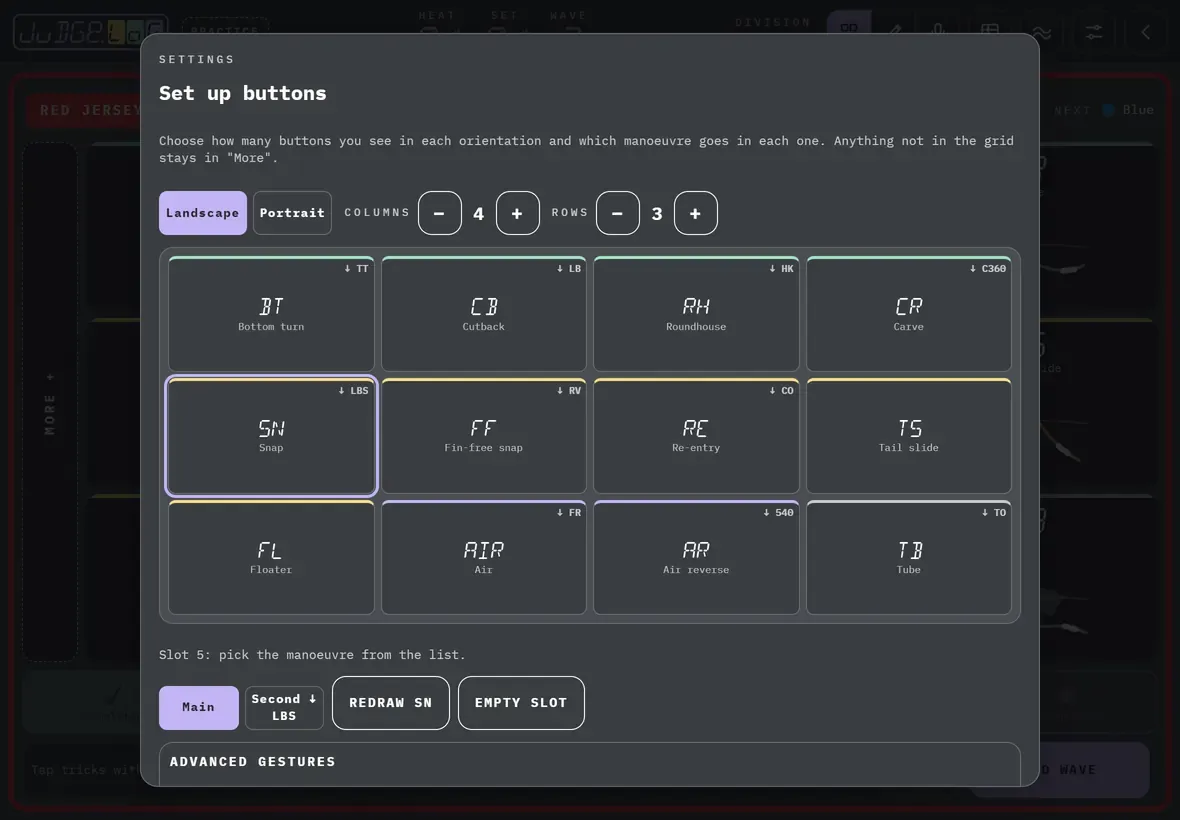
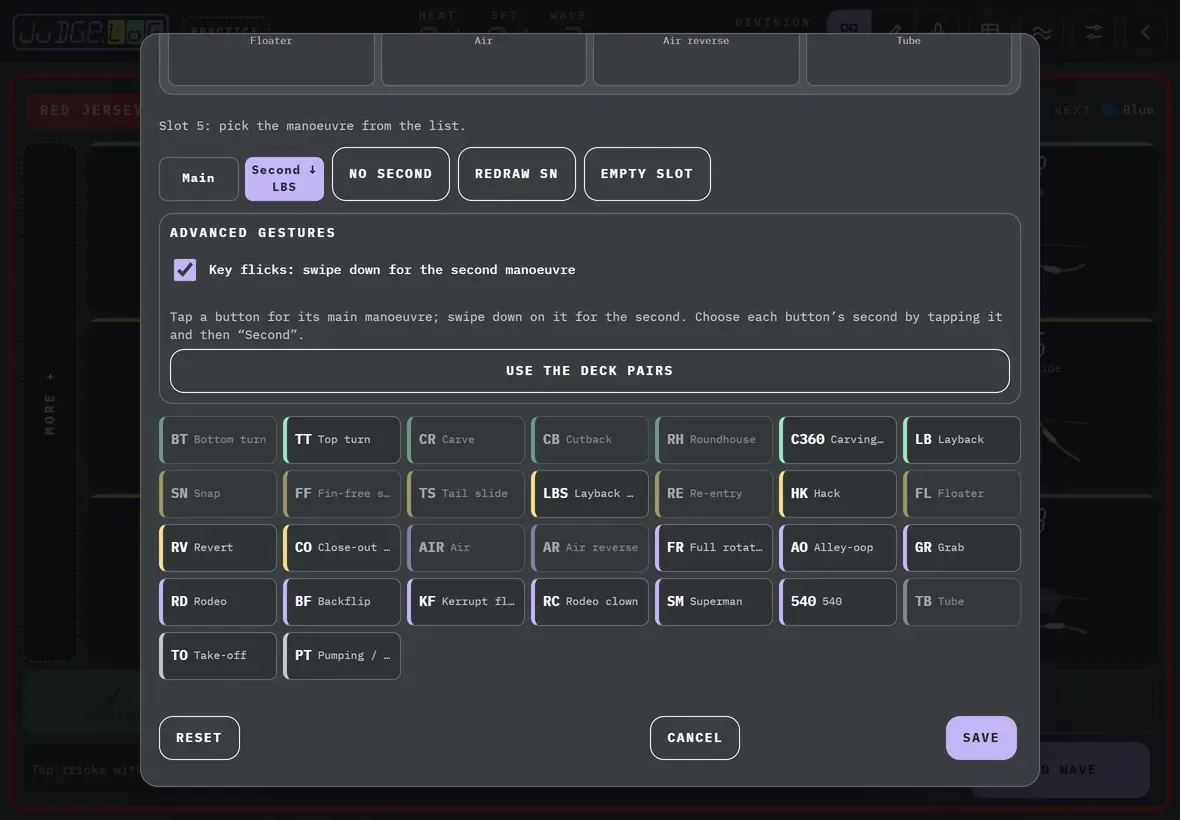
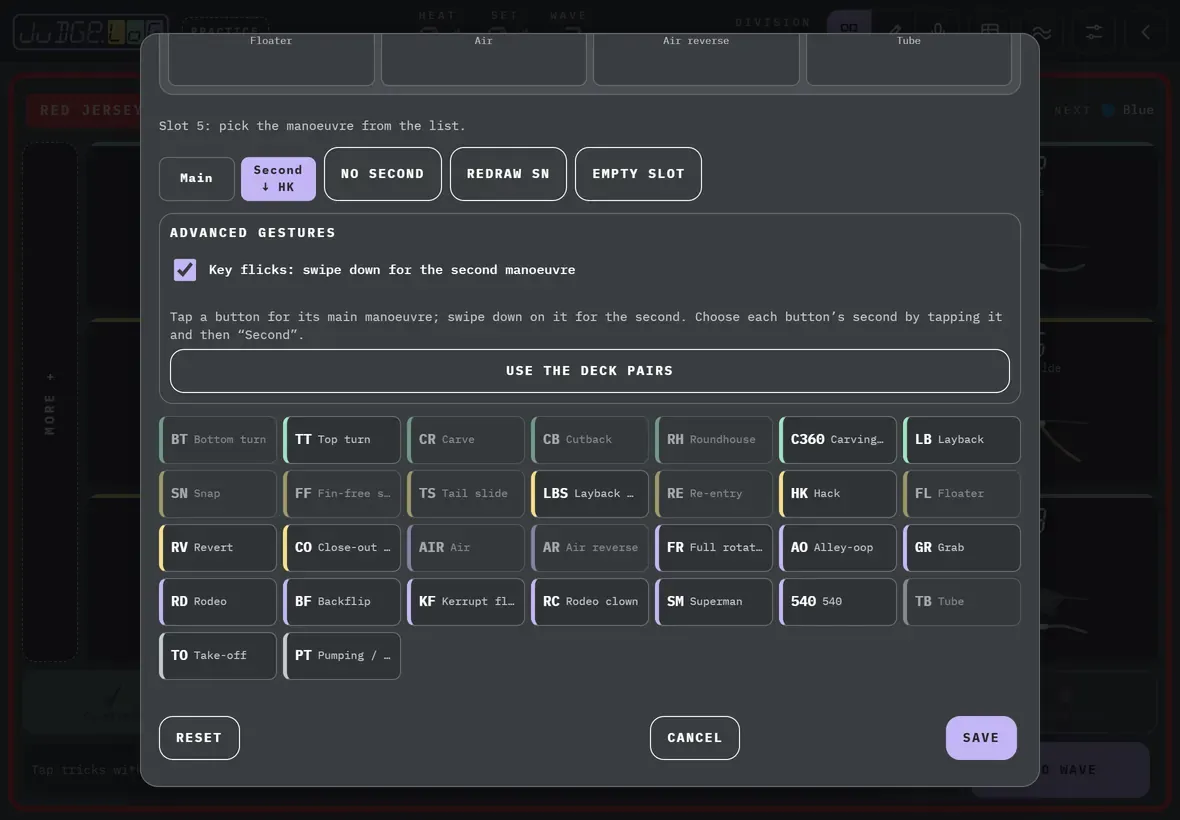
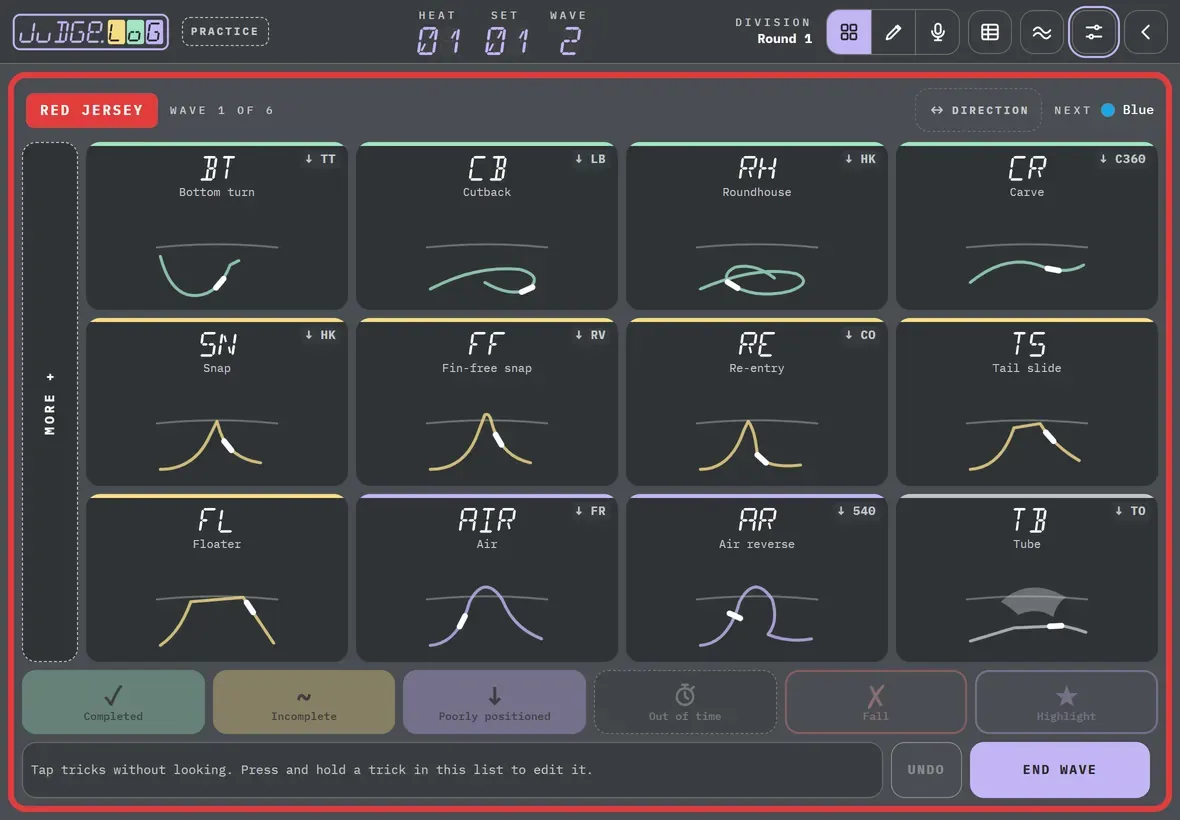
What it looks like
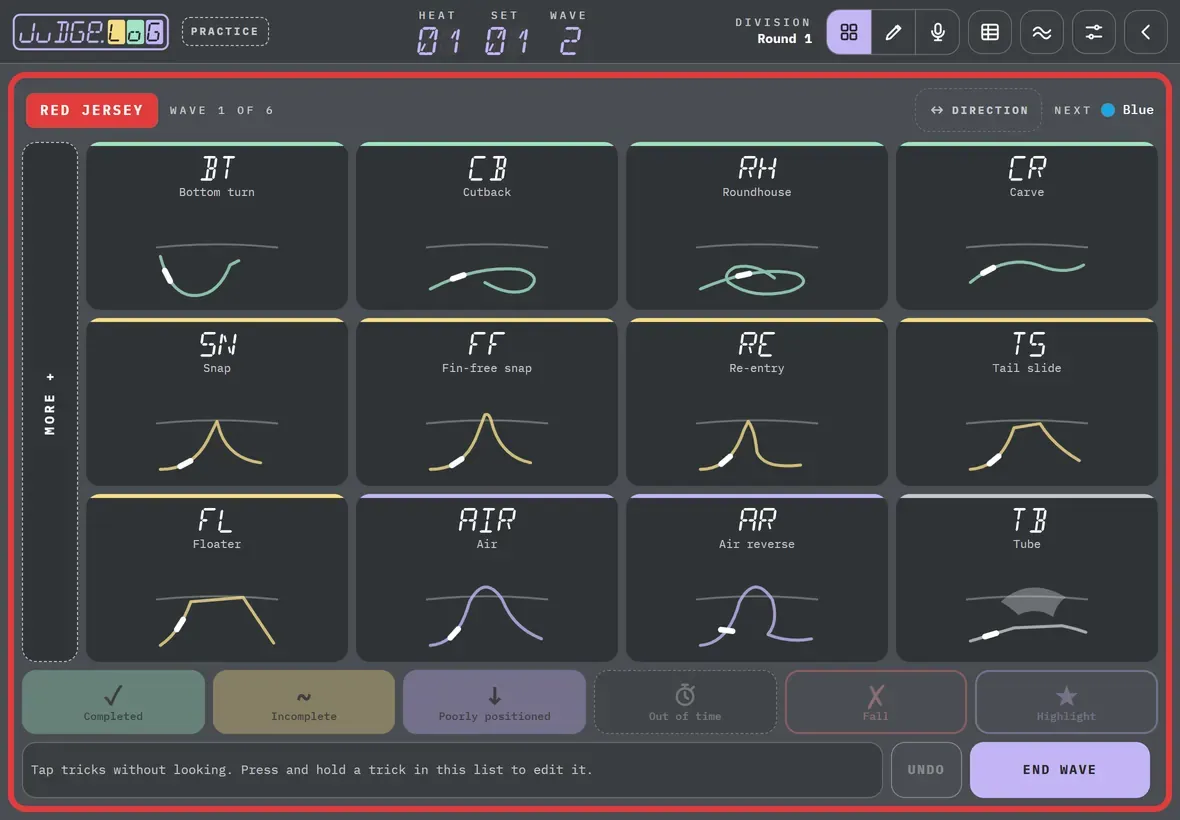
The second trick is written small in one corner of the button. While you swipe, the trick about to be logged shows in large type; on release, it goes into the strip like any other. If it is an aerial, you are asked for the grab, just as when you tap it.
How to cancel
If you swipe too little or sideways, it is cancelled and nothing is logged. If you make a mistake, Undo removes the last one.
Devices
All: phone and tablet, iPhone, iPad and Android.
The pairs each deck suggests are only indicative and may still change.