In progress: Images or information are still missing from this page.
Logging tricks
Your desk
Updated 11 October 2026 · Guide v2026.10.11
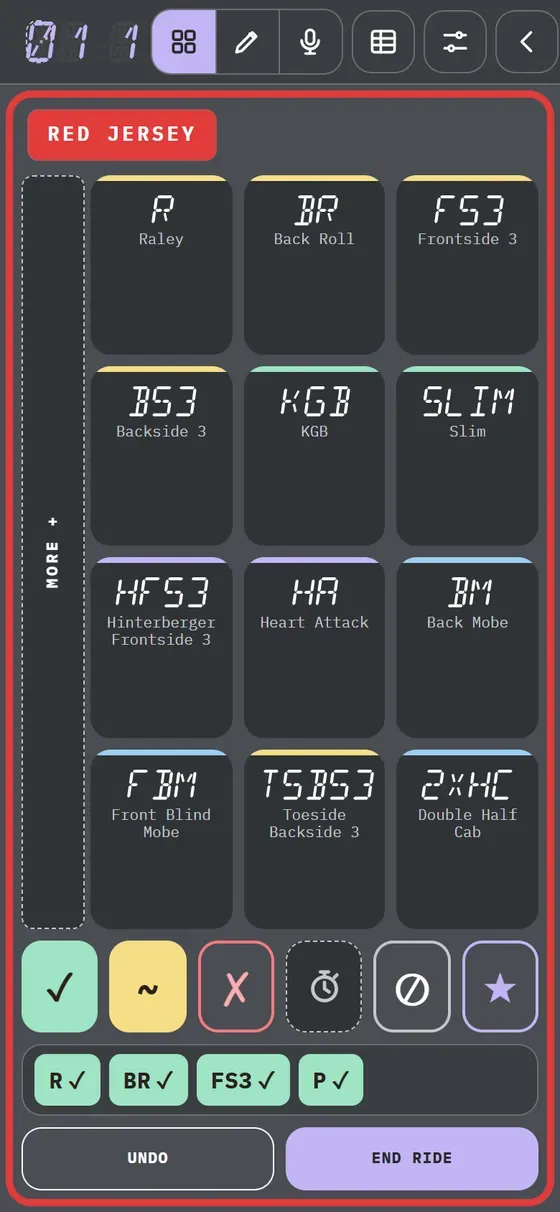
A grid of large buttons, like a Stream Deck, with the sport's most common tricks. Each trick is a button.
This deck is in beta: it is already used in practice and at events, and may change until a judge of the sport reviews it.
Desk type: Button desk
One button per trick. You can log in three ways and switch whenever you like.
- Log the trick.
- If needed, tap its mark.
- Tap End ride.
More details
In this guide, a “ride” is each scored attempt: a wave in surf, a trick in kitesurf, a run in snowboard.
Undo removes the last trick.
Buttons
One tap per trick.
- Tap the button.
- The rest are in More +, on the left.
Tip If the trick has a grab (aerials in surfing), choose the grab on the board or tap No grab.
Gestures
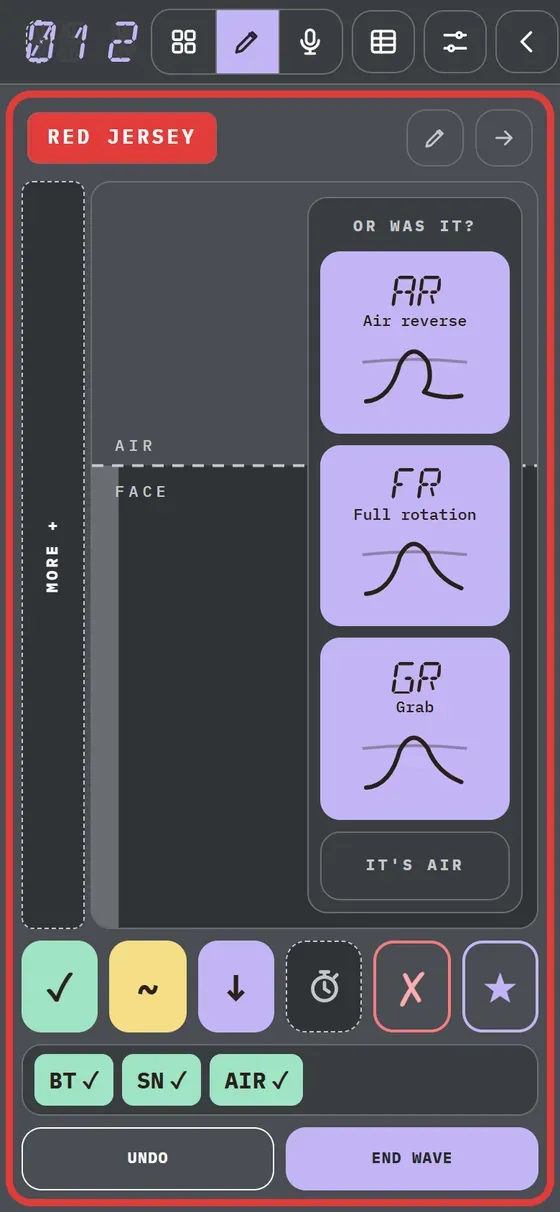
Draw the trajectory with your finger.
- Tap Draw.
- Draw the trajectory over the pad's guide.
- If unsure, pick in Or was it?.
Tip If the stroke is not recognised, tap the trick or a mark: it is kept as “??”.
Voice
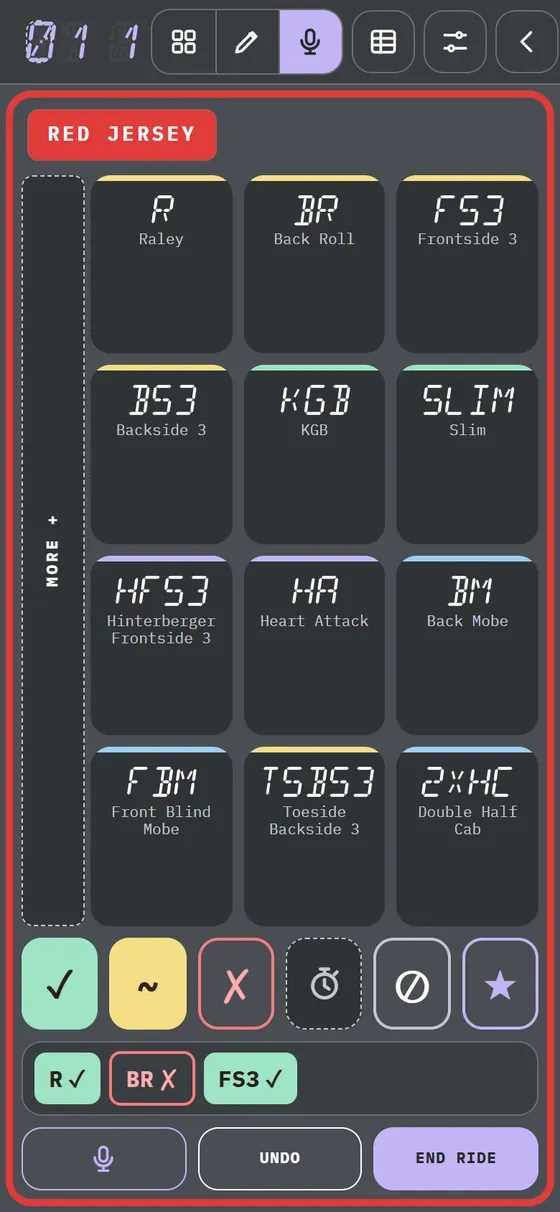
Press and hold, then say the trick.
- Tap Voice in the header.
- Hold Voice and say “raley”.
- Release: it is logged.
Tip You can say the mark too: “back roll fall”. Voice needs a connection and the audio is processed by Google or Apple, possibly outside Switzerland and the EU.